
Going slightly out of order for this one; not that I’ve been in the right order already, considering I BELIEVE the first version of Green Grove in Left 4 Dead 2 predates this, as the terrain is a sloppy WallWorm import of it, but hey my writeups I can do whatever I damn may please. So let’s talk about the only Lost World stage mod I did, back when I knew even less about what I was doing!
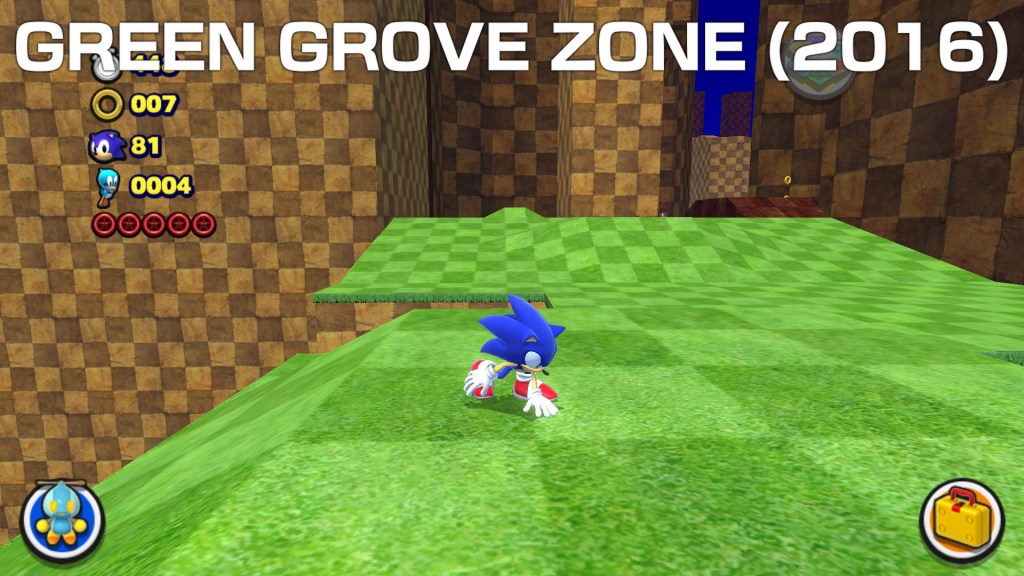
If there’s one thing that always attracted me ever since I started learning about stage modding for Sonic games, it was the prospect of doing SOMETHING in a more Adventure style formula (designing a level around the boost formula is a horrifying prospect, considering even Sonic Team’s own developers struggle with it sometimes). So when Sonic Lost World’s PC version was released, I found myself following what little mod developments it was getting. While I can’t really remember any of the details of it, I do know that I started messing around with the terrain from my Green Grove Zone Act 1 “recreation” from Left 4 Dead 2, then screwing around some more once a tool to convert Generations collision files to Lost World was released.
While the original version of this from 2015 is lost to my knowledge (I overwrote it on my Mega folder when this 2016 2.0 version was made), I think I kept most of the Act 1 area the same, so the problems that it has were probably there already.

The starting area shows something that persists throughout the whole stage, and thats presentation. Everything is very flat due to a complete lack of any form of global illumination or lightfields. To be fair to past me, doing that stuff required specific 3DS Max plugins and stuff; something like HedgeGI wouldn’t come along until MUCH later, and even then I failed to make any experiments I threw it at look anything more than decent at best, as visual flare has never been a strong point of mine.
But would it have killed me to at least put some normal maps or something on the materials?

Apparently the answer to that question is yes, considering I didn’t even know how to do transparent textures at the time. Looking back at that now just feels extremely embarrasing…
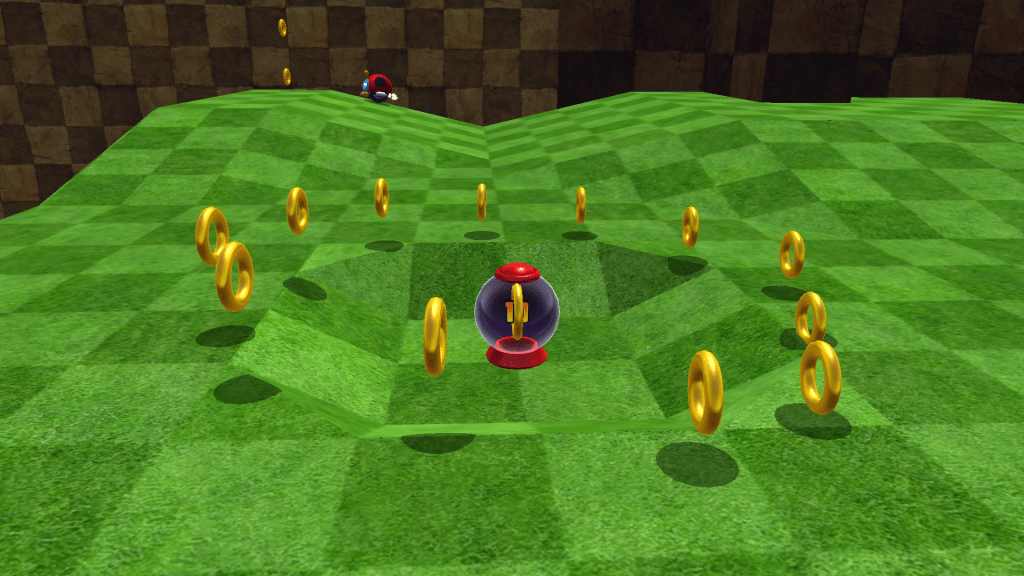
Something that was both a nice little blessing and a curse with the fork of SonicGLVL that we used for Lost World stuff back in the day was the ability to have an object automatically rotate to fit the surface it was dragged on to when placing it (to fit with the game’s spherical design). While I have no evidence for it, I assume that’s the reason this ring of… Rings… is lopsided, curving up on one side while touching the floor on the other.

I say that because seemingly the exact same circle is placed elsewhere without the issue, implying I copy and pasted it, but with a CTRL+C CTRL+V rather than CTRL+Click Dragging it to clone them.
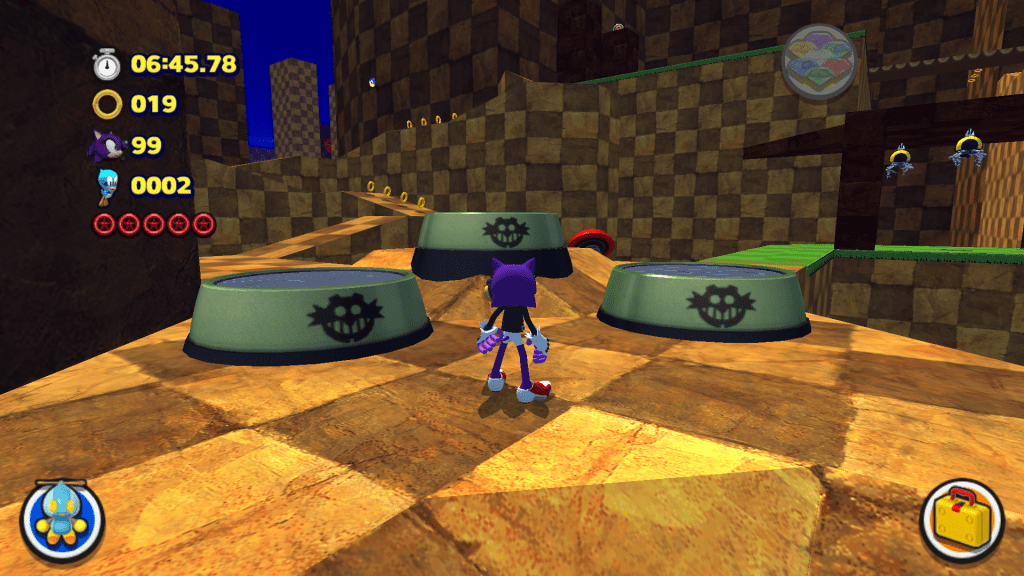
I was still deep into my “Level design by just throwing things around to fill empty spaces” phase back then (as if the cloned Ring circles aren’t obvious indicators of that), as I didn’t really put any thought into the enemies I was using. Case in point, these guys, which are normally used in set pieces where you guide a fruit into them to destroy them. But they’re just here, hanging out and being unkillable as a result of the lack of fruits.
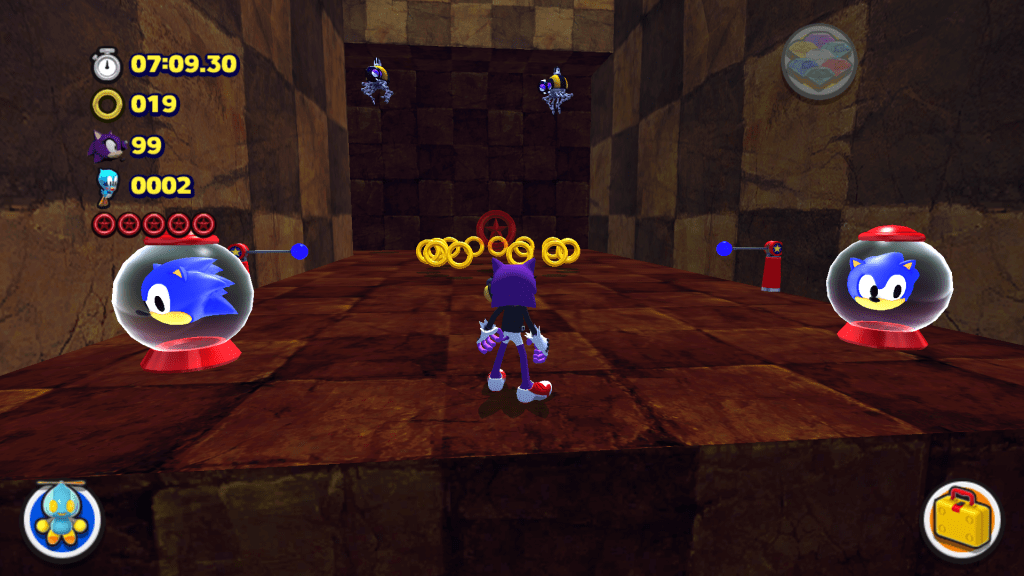
There was some neatness to my design in this though, as a video of the 1.0 version (which really surprised me because I didn’t expect anybody to even play the thing let alone record it) had someone do a parkour loop around the dead end area past the end bridge. Which prompted me (when bolting Act 2 onto it) to add a little area here. As usual, I didn’t know what to put in it besides a Red Star Ring, so I threw in two 1-UPs.
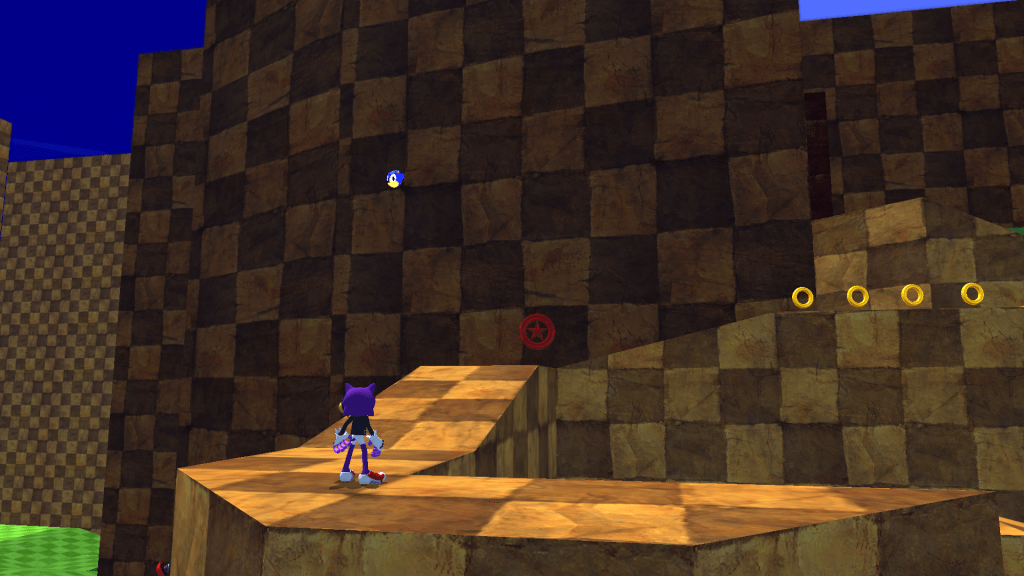
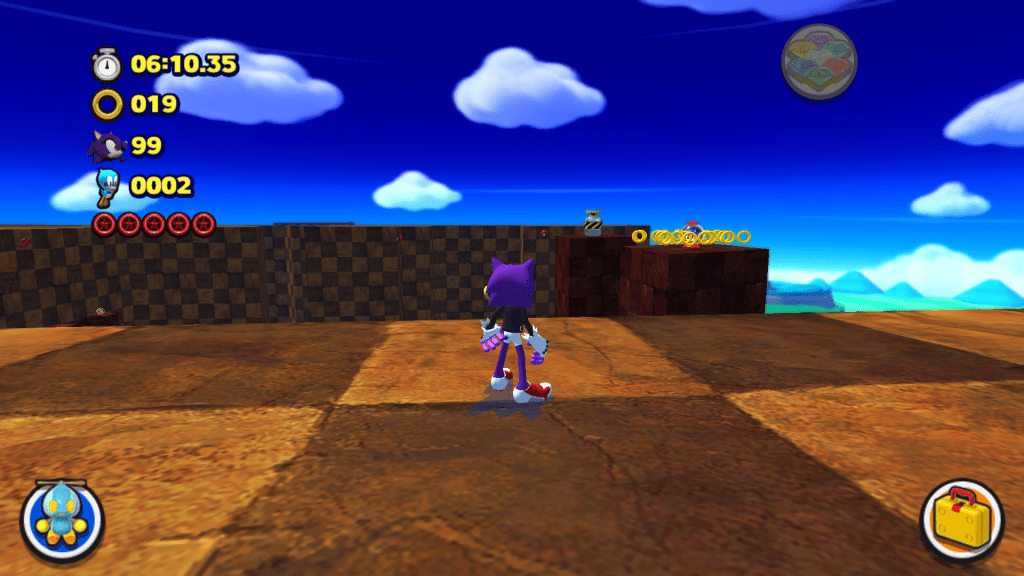
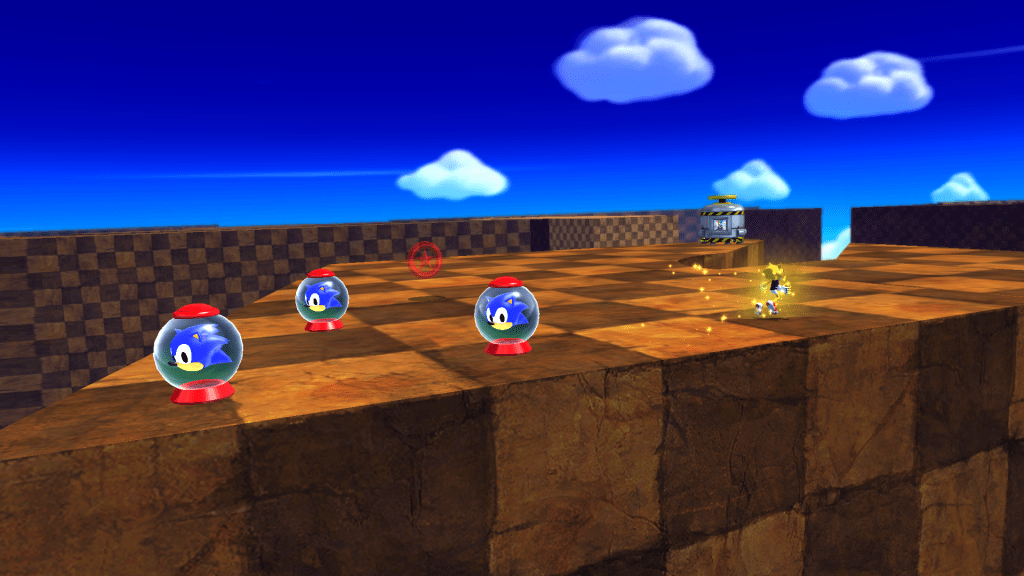
Extra Lives (and Animal Capsules in the case of Lost World) were just kind of my go to “Put a reward here” thing, so they’re scattered bloody everywhere in this thing in some weird places. Including jutting out of a wall connecting the two acts and all the way above the starting area (with a completely haphazardly placed Ring cluster to boot!).
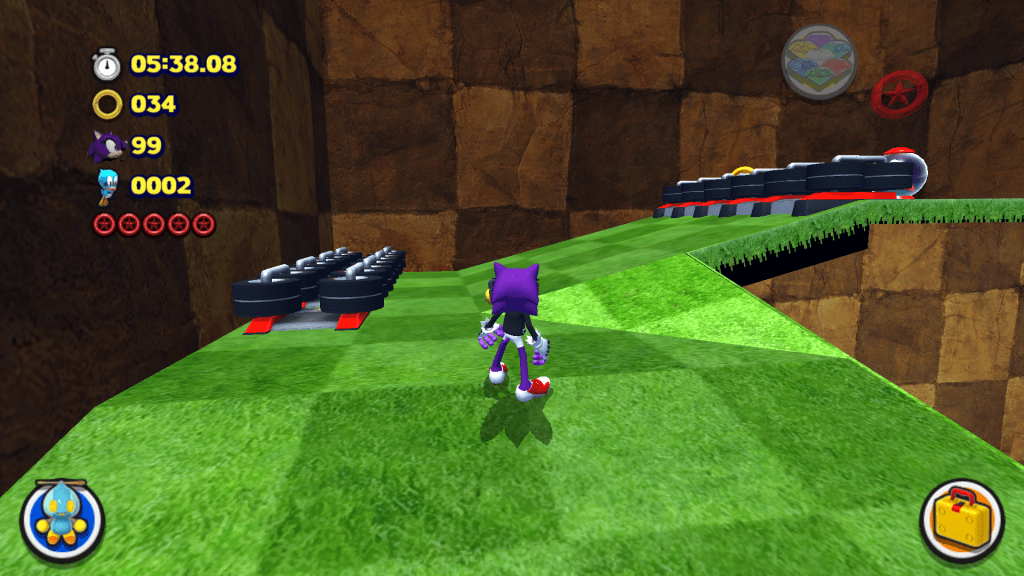
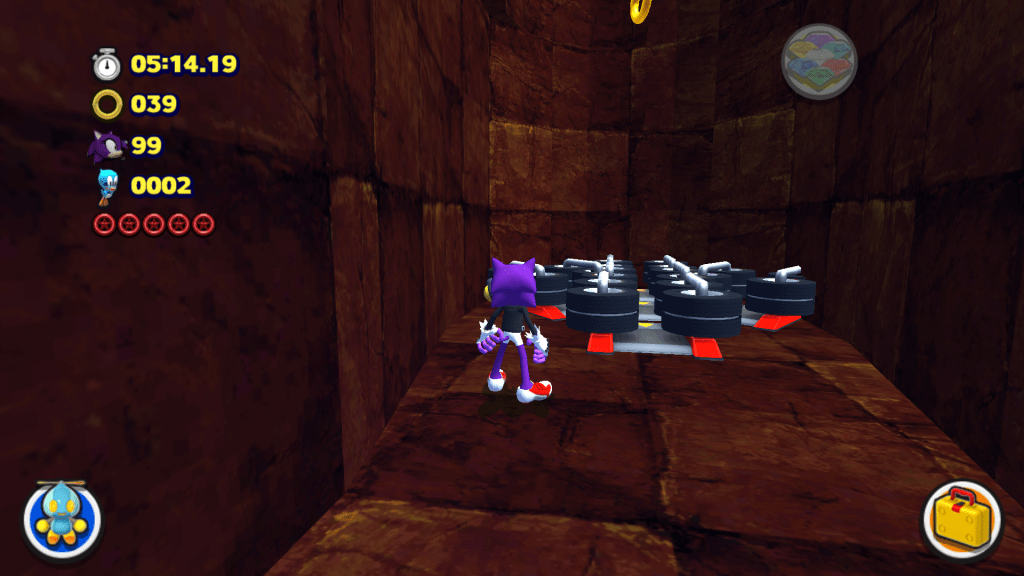
I also apparently had a hard-on for Dash Panel clusters, as they are scattered all over the place in areas where I was like “No I don’t want the player to have to walk here!”.
Which is fine, but… Did you need this many? Especially when they’re set to oddly high speeds for such cramped spaces.
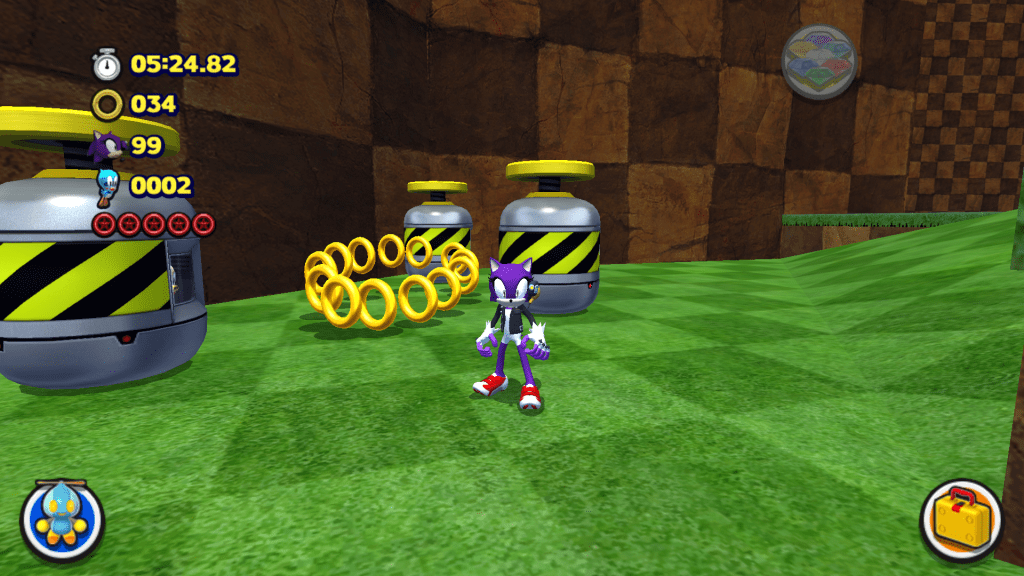
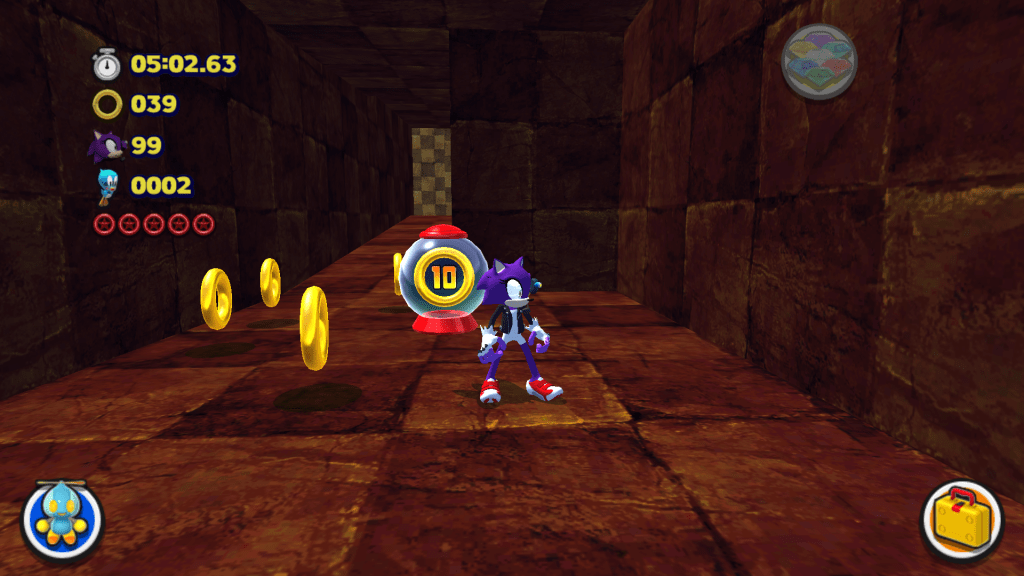
And more random items of course. Modern me would be sensible and put these cave tunnel Rings in a neat straight line, but past me apparently didn’t want to do that and just threw them around by using a dart.
The level’s also completely lacking the two loops it has in the original 3D Blast, but that’s a mix of me not knowing what the hell splines were and how to use them for automation; alongside my original map just not having them because recreating loops using Source 1 brushes is not a fun task (especially for 2015 me who had no idea what he was doing).
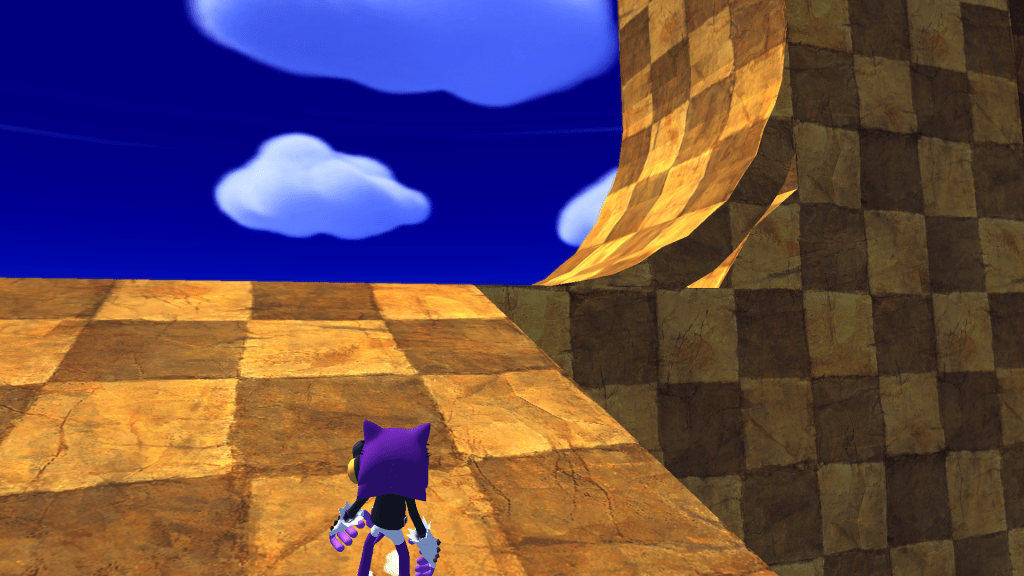
Which is also the reason for this obvious hole in this ramp…
There really isn’t too much else to say with this one in terms of the level itself, as it just repeats the pattern of randomly throwing things in places to fill the space and having poor quality visuals. Though some of the poor quality visuals were par for the course for amatuer Sonic mods of the time; the lighting stuff especially PLAGUED old Generations mods.
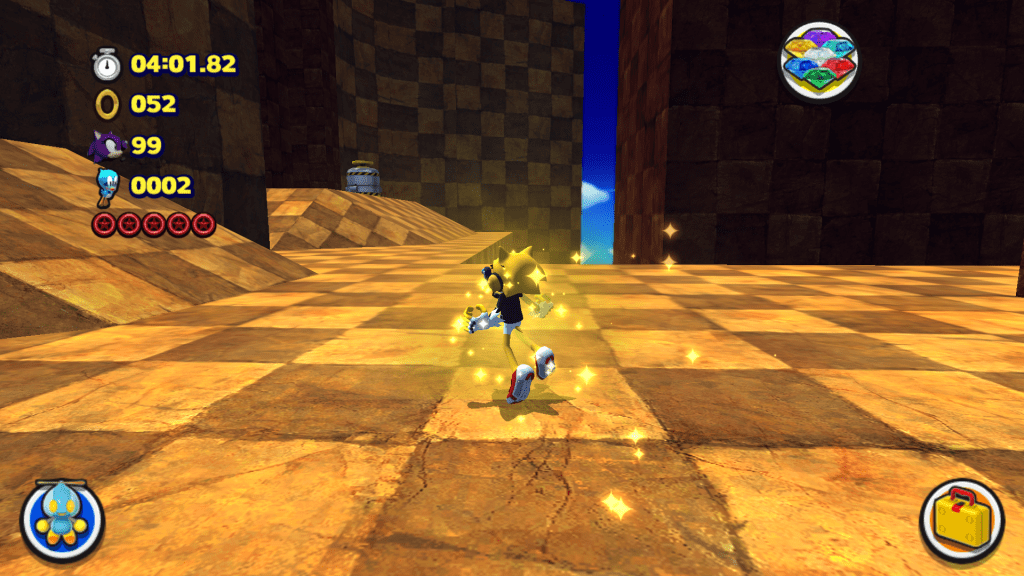
About all of interest that’s left to say regarding layout is the fact that Green Grove has TWO Goal Capsules. One at the end of Act 2 where you’d expect it to be. With another being tucked away atop that ramp. Of course I didn’t just put the Capsule there, feeling the need to throw in a Red Star Ring (which is fair) and THREE extra lives (really?!).
The last thing to touch on is audio (very briefly, as there’s not much to say). Every surface in the stage is a concrete surface, so the footstep sounds are VERY out of place considering I always envision the checkerboards as being a dirt surface and the grass is… Well grass.
But that MIGHT have been a problem with the converter, I honestly can’t remember what it could and couldn’t do. The modern HavokConverter for Lost World can happily take surface tags as it should do.
And music…
WOW did I like one of Mixcraft’s basic synths when mashing some MIDIs together! Listening to it for the playthrough while I was taking screenshots made me flinch a little at how much I abused it. The fact that I didn’t really care too much about my instrument choices doesn’t help (synths, violins and the Sonic 1/2 snares that are AUDIBLY popping; really?!). I did at least fuse the Saturn and Mega Drive versions of Green Grove into one so that’s… Something? I guess?
So yeah… I was happy with this at the time, but now I (as always) wonder what the hell I was doing. But its a piece of my modding history, being the first Sonic mod I made and released, so it played its part in shaping my development styles.
Seeing as I don’t think I’ve ever uploaded the music’s mix, I may as well end this writeup by dropping an MP3 of it extracted from the mod if you want to listen to it and cringe a little yourself.
 Knuxfan24's Developer Site